All software can be found here (you will need to login with your HealthHarmonie Office 365 account)
If you do not have a Smartcard reader on your machine you will need to purchase one. The recommended one that is used in NHS Organisations is the HID OMNIKEY 3121 USB Smart Card Reader and can be purchased from Amazon here.
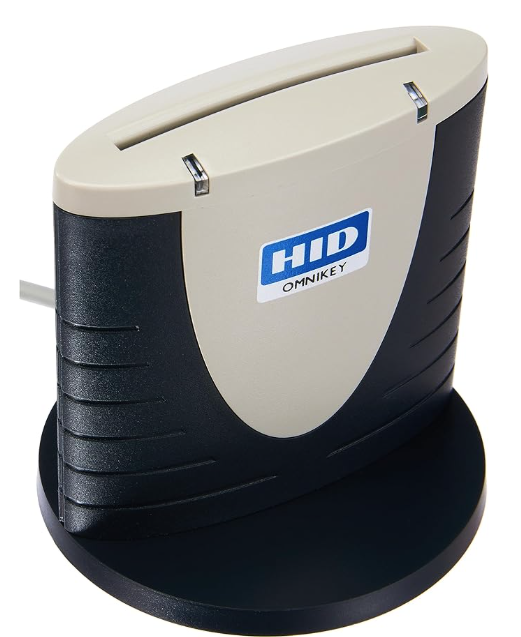
If you already use an NHS Smartcard on your machine then you will not need to install any software
If you have never used an NHS Smartcard on your machine, there could be up to six software items to install:
- OMNIKEY Driver
- HID Global Driver
- CIV MiniDriver
- Gemalto
- NHS Credential Management
- NHS Identity Management
All these installation files can be found in the link at the top of this page.
You will be asked to re-boot your laptop after installing the Gemalto software. Do not re-boot at this stage - just install NHS Credential Management and NHS Identity Management and then re-boot your laptop.
When you have logged back in, make sure the VPN is connected first, then insert your Smartcard to test.
Next action - Associate Smartcard Role with EMIS Web Account.
Was this article helpful?
That’s Great!
Thank you for your feedback
Sorry! We couldn't be helpful
Thank you for your feedback
Feedback sent
We appreciate your effort and will try to fix the article