To speed up the onboarding process, we will have set up your Hero Health account. Your login details will be your Health Harmonie email address and the password will be emailed to you. The Address to login to Hero Health is:
https://herohealth.net/admin/dashboard
Details on how to use Hero Health can be found here - Video Consultation (Hero Health) : Medinet Operations
If your account has already been set up, you can ignore this section below.
You should receive an email to your Heallthharmonie email account - similar to this:
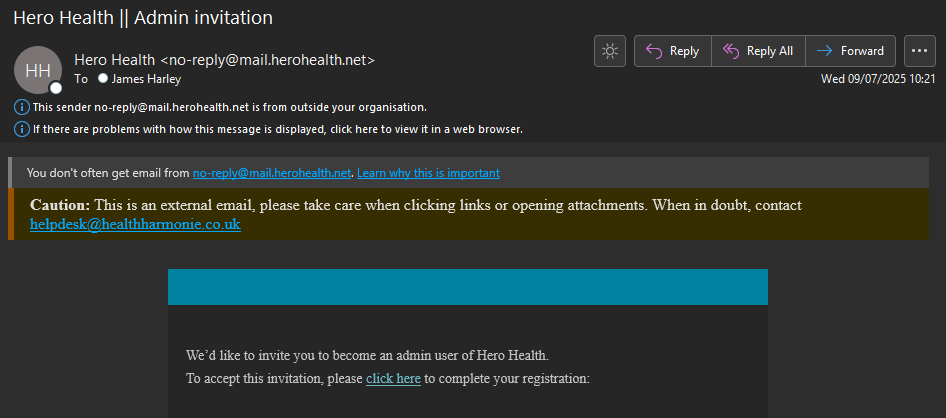
Click on the click here link.
Click on Sign in and use your Healthharmonie email address:
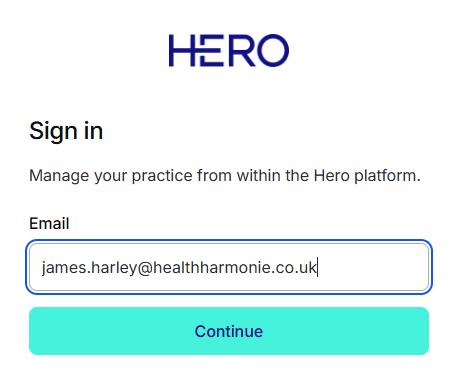
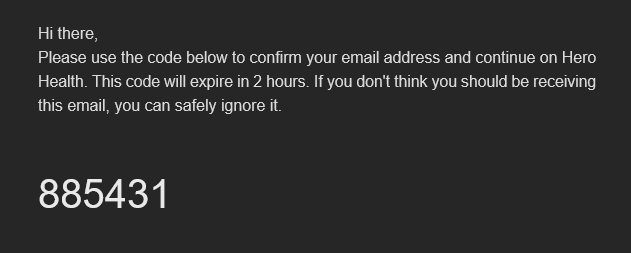
You will be emailed a 6 digit code to your Healthharmonie email account:
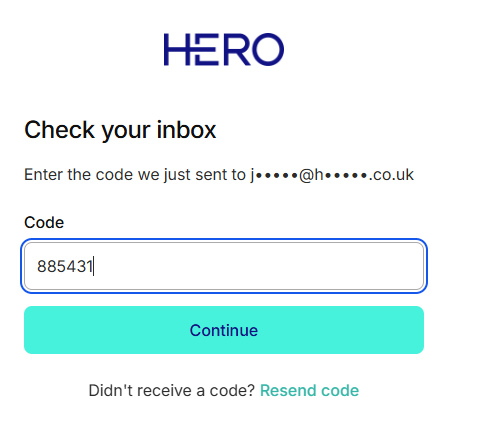
Enter the code and press Continue:
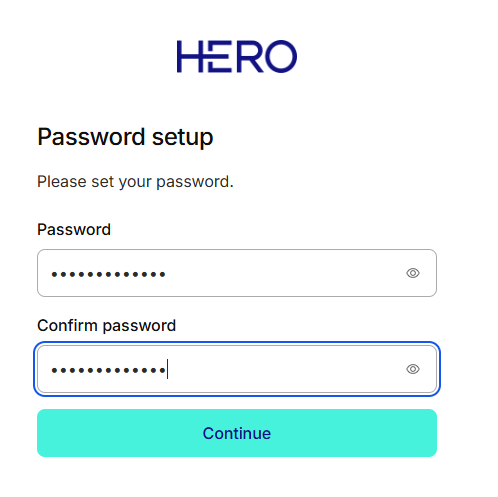
Set up your Password and click Continue:
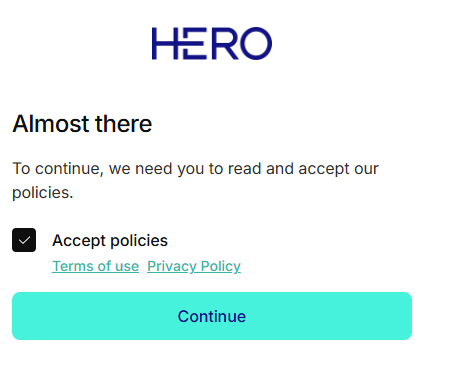
Accept the policies and click Continue:
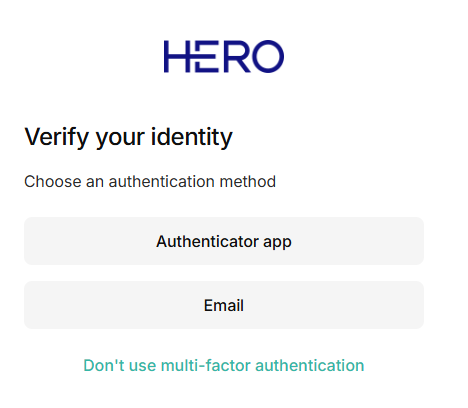
Select Email to verify your identity:
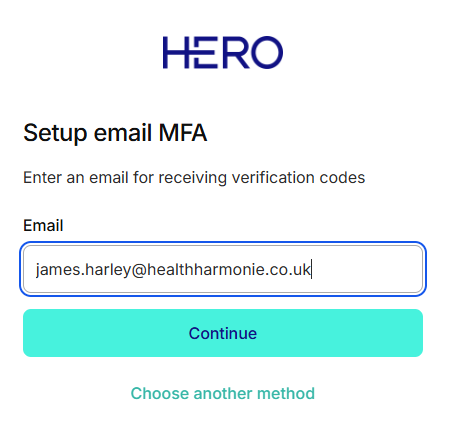
Enter your Healthharmonie email address and click on Continue:
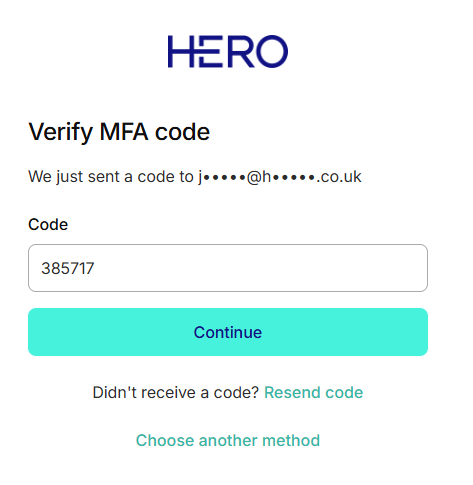
You will be emailed another code to your Healthharmonie email account:
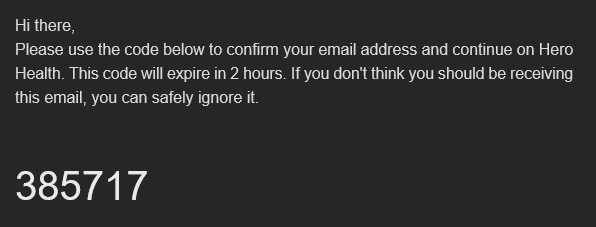
Verify the MFA Code and press Continue:
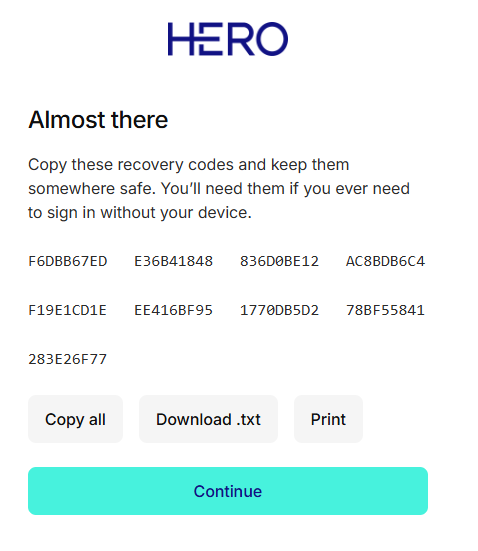
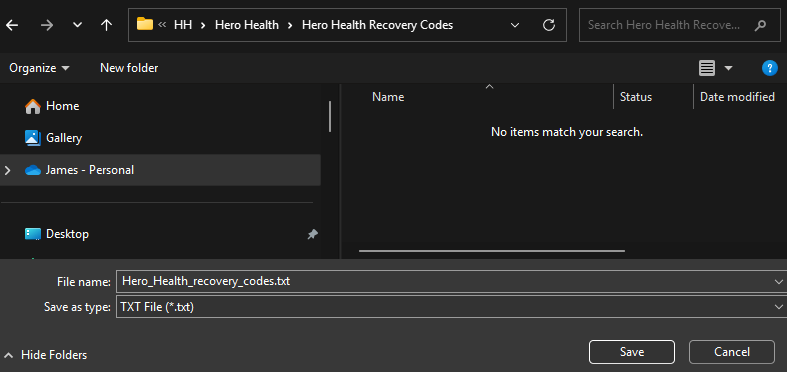
Download the recovery codes as a Download.txt file and store in a safe place. Click Continue:
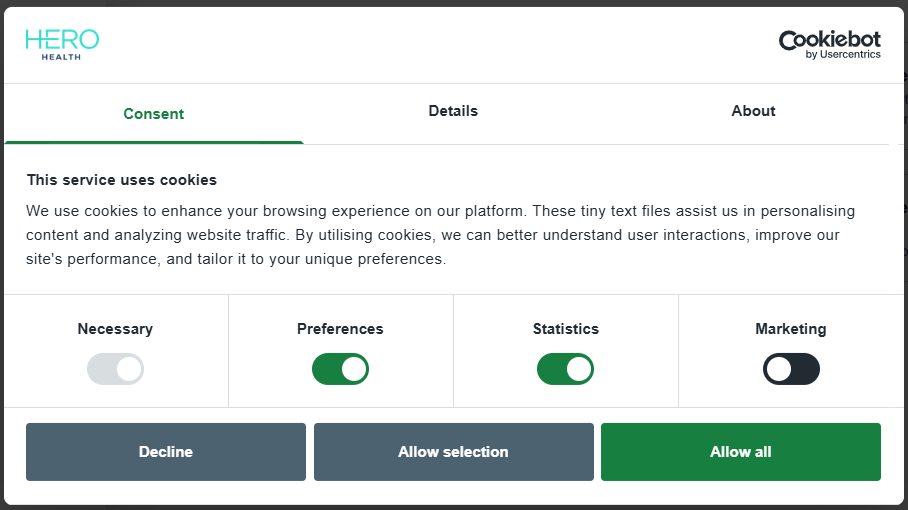
Click on Allow all for cookies:
See Video Consultation (Hero Health) : Medinet Operations for next steps.
Was this article helpful?
That’s Great!
Thank you for your feedback
Sorry! We couldn't be helpful
Thank you for your feedback
Feedback sent
We appreciate your effort and will try to fix the article