If when opening EMIS, a browser window opens with the following message (maybe following a Windows update):
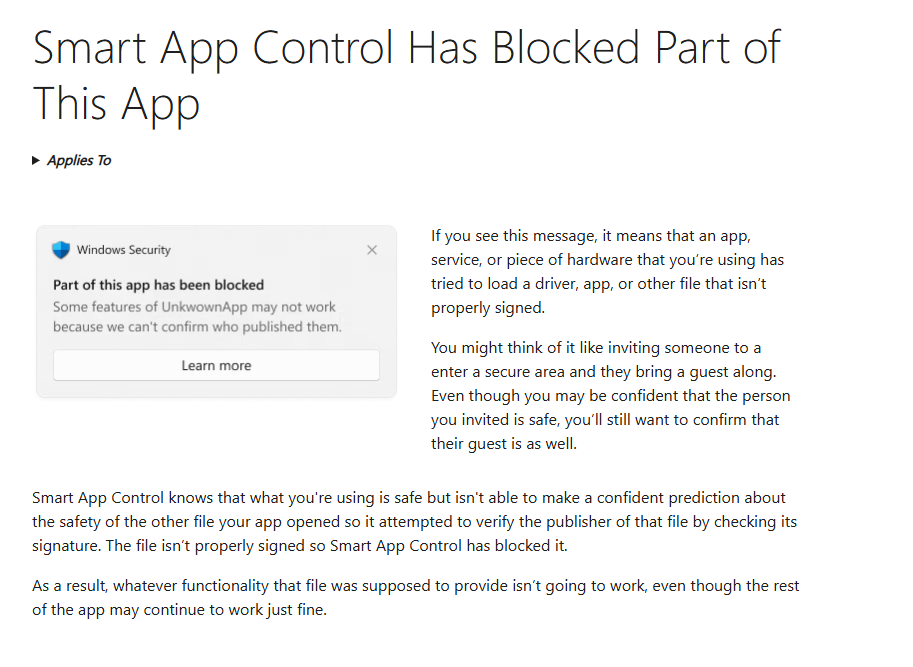
and you get the following error messages whilst EMIS is loading:
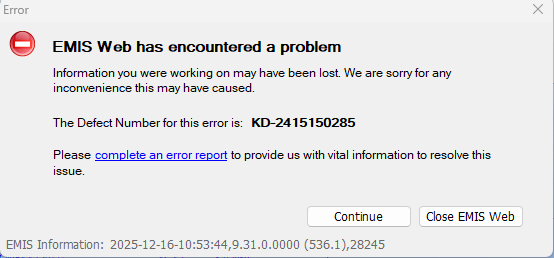
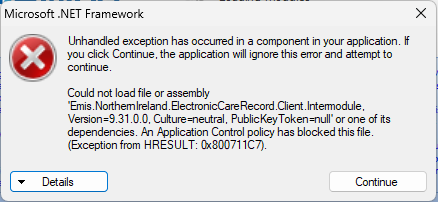
It will be related to the Windows Smart Control App is blocking elements of Windows. To fix this, users will need to turn the Smart App Control off.
To do this, in Windows Search, search for Smart App Control and click on Smart App Contol to open:

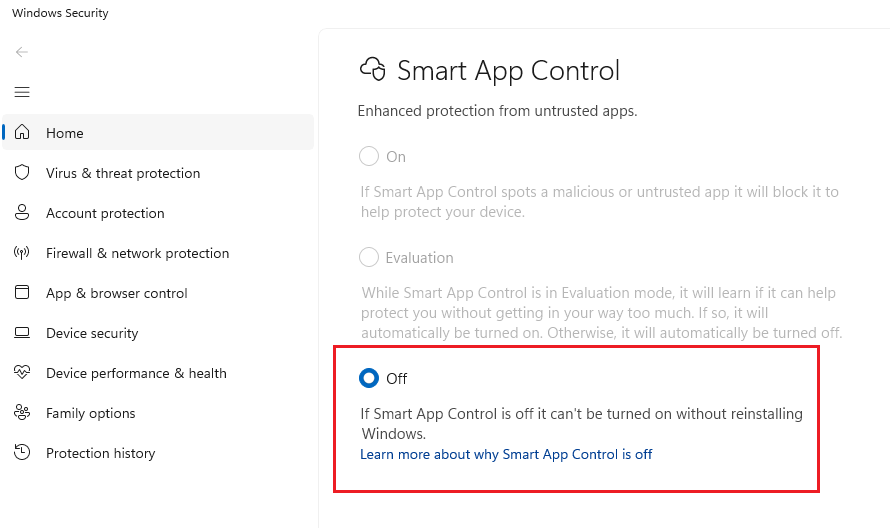
In the Smart App Control click on Off - you will get the following Window pop up asking if you are sure - click on Yes, I'm sure:
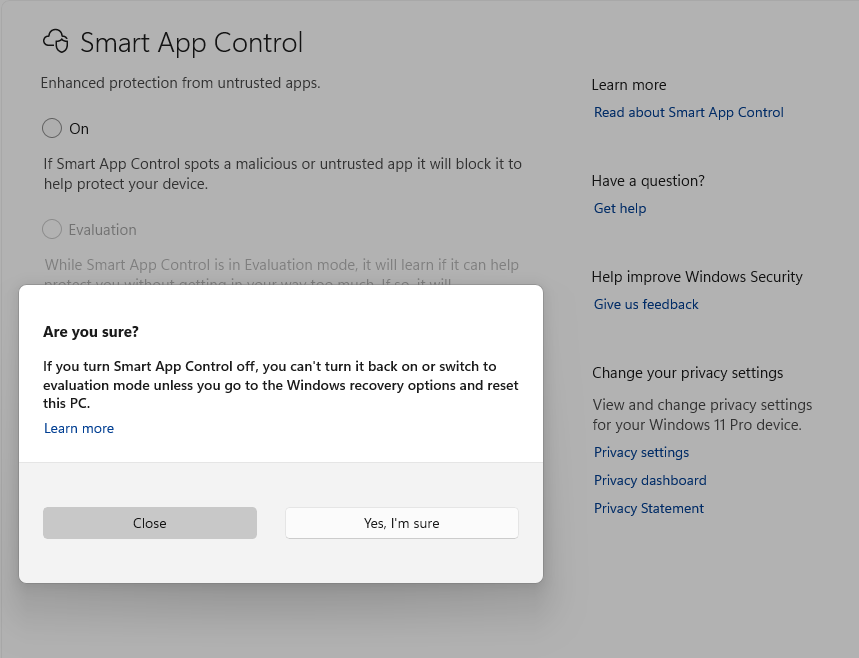
The Smart App Control should then be off:
Re-start EMIS Web.
The Smart App Control may impact other apps on your device.
Was this article helpful?
That’s Great!
Thank you for your feedback
Sorry! We couldn't be helpful
Thank you for your feedback
Feedback sent
We appreciate your effort and will try to fix the article