If the font in MS Word is very light and indistinct when opening or editing Word Templates in EMIS Web - such as below:
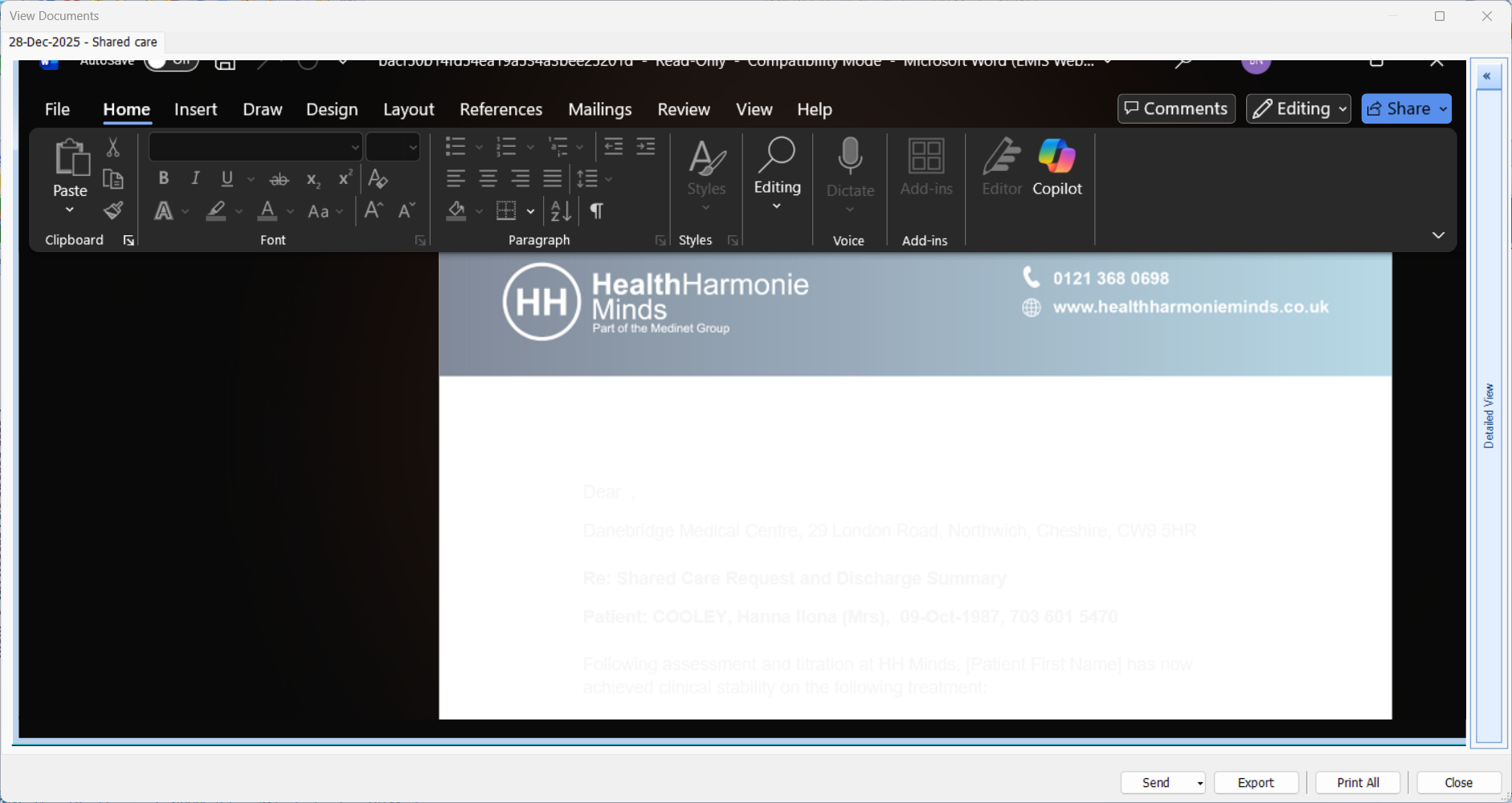
this is due to the MS Office theme being set to Dark Mode.
To change back to the default or light mode do the following in MS Word:
- Go to File > Account.
- Under Office Theme, select Colorful, White, or Dark Gray from the drop-down menu.
- Alternatively, you can select Use system setting, which syncs Word's theme with your Windows light/dark mode setting.
Was this article helpful?
That’s Great!
Thank you for your feedback
Sorry! We couldn't be helpful
Thank you for your feedback
Feedback sent
We appreciate your effort and will try to fix the article